HR Technology
HRMS Software for Indian SMEs: A Practical Buyer's Checklist
· ATTPL WorkforceOS Team
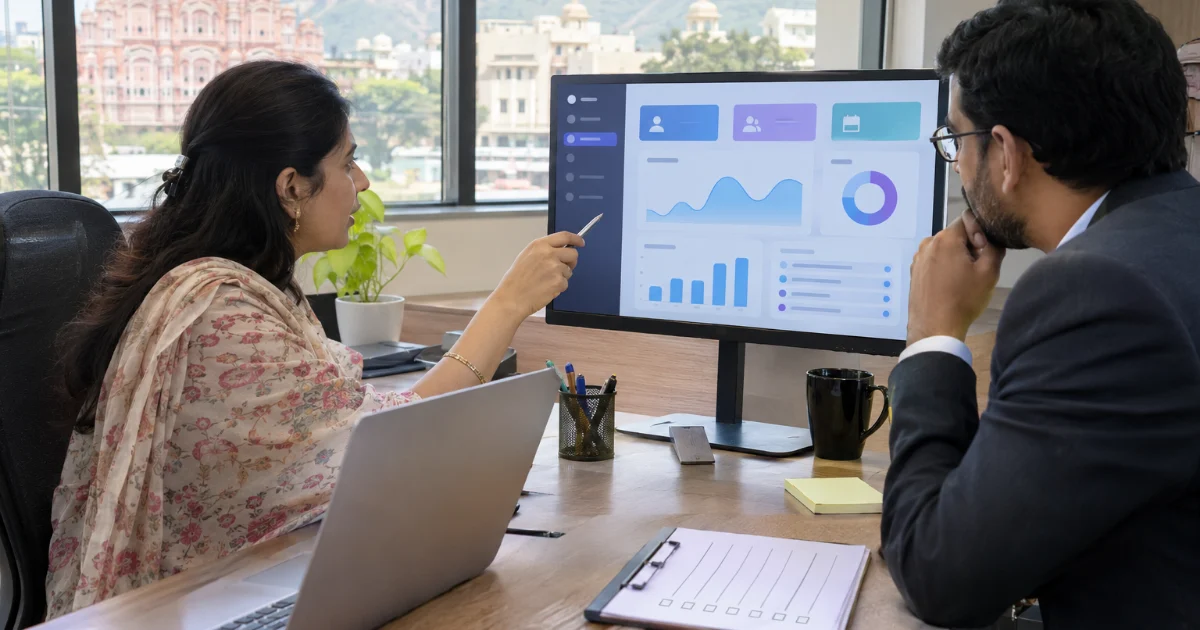
Many growing Indian businesses still run HR on spreadsheets, paper registers and WhatsApp messages. That works for ten people, but it becomes slow and risky as the team grows: attendance disputes, salary errors, missed statutory deadlines and scattered employee records. A Human Resource Management System (HRMS) brings these tasks into one place. Choosing the right one, however, takes more than watching a demo. This checklist explains what to look at before you decide.
Start with your own processes
Before comparing software, write down how HR work happens today: how people join, how attendance is marked, how leave is approved, how salaries are calculated and paid, and how employees leave. Note the problems in each step. A clear picture of your own process helps you judge whether a system fits your business or forces you to change in ways that do not suit you.
- How many employees, locations and shifts do you have now, and in three years?
- Which tasks take the most time or cause the most errors?
- Who will use the system: HR only, managers, or every employee on mobile?
Core modules to check
- Employee records: one profile per person with documents, history and reporting lines.
- Attendance and shifts: biometric, mobile or web check-in, overtime and late-mark rules.
- Leave management: leave types, balances, approvals and holiday calendars by location.
- Payroll: salary structures, arrears, deductions, payslips and bank transfer files.
- Recruitment (ATS) and onboarding: job openings, candidate pipeline, offer letters and joining documents.
- Employee self-service: payslips, leave requests and profile updates without calling HR.
Not every business needs every module on day one. Prefer a system that lets you start with the basics and switch on more modules later. Our guide to attendance and leave management explains what to expect from those two modules in detail.
Indian payroll and compliance support
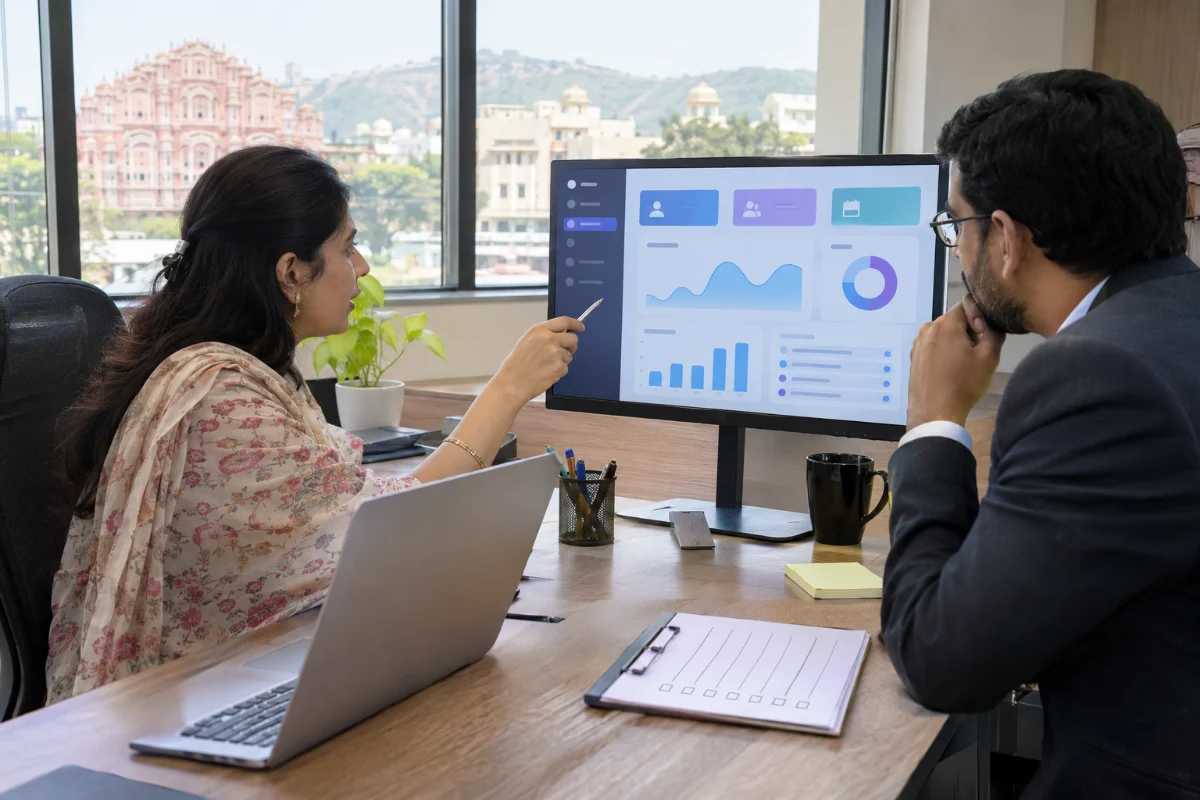
For Indian employers, payroll is where software quality matters most. Check whether the system can handle Provident Fund, Employees' State Insurance, professional tax where your state levies it, TDS on salaries and labour welfare fund contributions, and whether it produces the reports and challan data your accountant needs. Ask how quickly the vendor updates the system when rules change. With the four Labour Codes now in force, wage definitions and some contribution rules have changed, so this question is more important than ever. Our article on payroll compliance basics covers the main items.
Data security and access control
An HRMS holds sensitive personal data: identity documents, bank accounts, salaries and health information. Under India's Digital Personal Data Protection Act, 2023, employers must protect such data and use it only for lawful purposes. Ask the vendor clear questions:
- Where is the data hosted, and how is it backed up?
- Is access role-based, so that a manager sees only their own team?
- Is there two-factor login and an audit trail of who changed what?
- Can employee data be exported or deleted when needed?
Usability, support and training
A powerful system that nobody uses is wasted money. Ask for a trial with your own sample data, and let a few managers and employees try common tasks such as applying for leave or downloading a payslip. Check the mobile experience, language options and how quickly support responds. Good onboarding help and simple training material often matter more than a long feature list.
Total cost, not just the licence fee
- Per-employee or per-module pricing, and how it changes as you grow.
- One-time setup, data migration and training charges.
- Costs for biometric devices or integrations with accounting software.
- Contract length, exit terms and data return on cancellation.
Compare plans on the same assumptions so that the numbers are fair. You can see how WorkforceOS is packaged on our pricing page and explore modules on the features page.
Plan a smooth rollout
Clean your employee data before migration, run one or two payroll cycles in parallel with your old method, and train managers before employees. Set a named owner inside the company for the project. A phased rollout reduces risk and builds confidence. Review appointment letters and HR policies at the same time so that the rules you configure match your documents; ATTPL Legal can help with employment contracts and policies. To see WorkforceOS with your own use cases, book a demo or contact our team. For help with business registration and compliance setup for a new company, ATTPL Consultancy can assist, and ATTPL HOLDCO explains how the ATTPL group companies work together.
Frequently asked questions
What is an HRMS?
A Human Resource Management System is software that manages employee records, attendance, leave, payroll, recruitment and related HR tasks in one place.
Is HRMS software useful for a small business?
Yes. Even businesses with a few dozen employees save time and reduce errors in attendance, leave and payroll by moving from spreadsheets to an HRMS.
What should I ask an HRMS vendor about payroll?
Ask which statutory deductions and reports are supported, how quickly rule changes are updated, and whether payroll can run in parallel with your current method during rollout.
Sources
See WorkforceOS in action
HRMS, attendance, leave, payroll and hiring in one platform for Indian businesses.